

Introduction
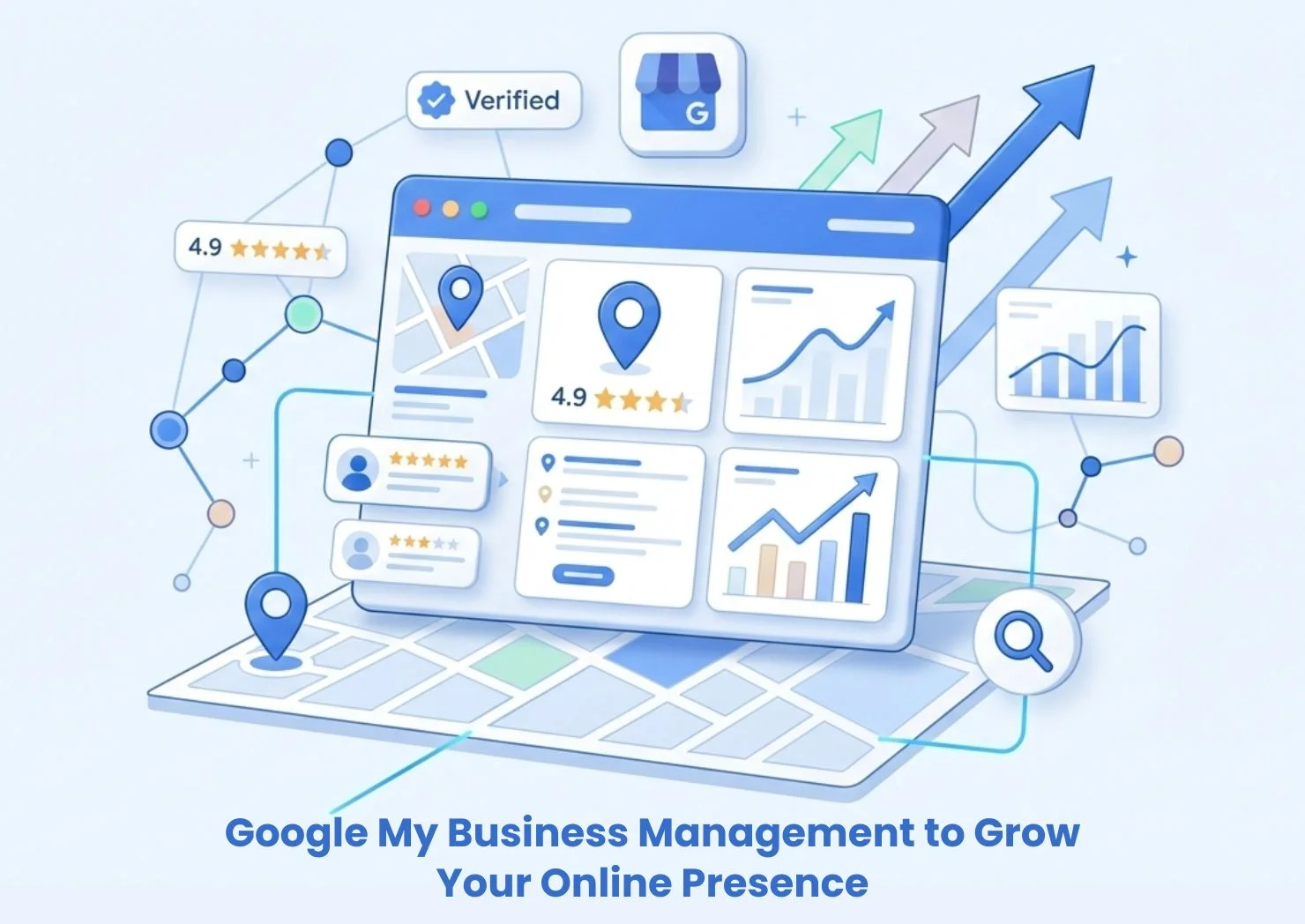
Google My Business management to grow your online presence has become one of the most powerful and cost-effective strategies for businesses looking to attract local customers and build trust online.
Today, when customers search for a business, service, or product, Google is usually the first place they go. Before visiting a website, users often check business profiles, reviews, photos, and contact information directly in Google Search and Google Maps. This makes your Google Business Profile a critical digital asset.
Poorly managed listings can result in:
- Lost leads due to incorrect information
- Low visibility in local search results
- Missed opportunities to build trust with reviews
- Lower customer engagement compared to competitors
Effective Google My Business management ensures your business stands out, appears in relevant searches, and converts local traffic into real customers.
What Is Google My Business Management to Grow Your Online Presence?
Google My Business management (now officially called Google Business Profile management) refers to the ongoing process of optimizing, monitoring, and maintaining your business listing on Google to improve visibility, credibility, and customer engagement.
Simple Explanation
It involves:
- Claiming and verifying your business profile
- Keeping business information accurate and updated
- Optimizing categories, descriptions, and services
- Managing reviews and customer interactions
- Posting updates, offers, and announcements
- Monitoring performance insights
Key Concepts and Terminology
- Google Business Profile (GBP): Your official business listing on Google
- NAP Consistency: Name, Address, Phone number accuracy
- Local Pack: The top 3 local business results in Google Maps
- Local SEO: Optimization for location-based searches
- Customer Engagement Signals: Reviews, clicks, calls, and directions
Why Google My Business Management Matters for Businesses
Business Challenges It Solves
Google My Business management helps businesses overcome key digital marketing challenges:
- Low visibility in local search results
- Inconsistent business information across platforms
- Lack of trust due to missing or poor reviews
- Low conversion rates from local traffic
- Limited customer engagement
Risks of Not Implementing It
Without proper management, businesses risk:
- Losing customers to competitors with optimized profiles
- Showing outdated hours, phone numbers, or addresses
- Ranking lower in Google Maps and local search
- Damaging brand reputation due to unmanaged reviews
- Missing insights into customer behavior
For local and service-based businesses, ignoring Google Business Profile optimization can directly impact revenue.
Key Components and Features of Google My Business Management
Business Profile Optimization
A fully optimized profile improves both visibility and conversions:
- Accurate business name and contact details
- Primary and secondary categories
- Compelling business description with keywords
- Service areas and attributes
- Business hours and special hours
Review Management
Reviews are one of the strongest local ranking and trust signals:
- Monitoring new reviews
- Responding professionally to all reviews
- Encouraging satisfied customers to leave feedback
- Handling negative reviews appropriately
Local SEO Integration
Google My Business management works best when aligned with local SEO:
- Keyword optimization for local intent
- Location-based service pages
- Local citations and directory listings
- Website and GBP consistency
Google Posts and Updates
Regular posts help improve engagement:
- Promotions and special offers
- Company updates and announcements
- Events and limited-time deals
- New products or services
Photos and Visual Content
Visuals improve click-through and trust:
- Business exterior and interior photos
- Team and branding images
- Product and service photos
- Customer experience visuals
Insights and Performance Tracking
Google provides built-in analytics:
- Search queries customers use
- Profile views and actions
- Calls, website clicks, and direction requests
- Photo engagement compared to competitors
How Google My Business Management Works
Step-by-Step Process
- Claim and Verify Your Profile
Ensure your business is officially verified on Google. - Optimize Core Business Information
Add accurate NAP, categories, and descriptions. - Add Services and Products
Clearly list what you offer to match search intent. - Upload High-Quality Photos
Improve credibility and engagement. - Create Regular Google Posts
Keep your profile active and fresh. - Monitor and Respond to Reviews
Build trust and improve reputation. - Track Insights and Adjust Strategy
Use data to improve visibility and conversions.
Benefits of Implementing Google My Business Management
Operational Benefits
- Centralized control of business information
- Reduced customer confusion
- Better customer communication
- Easier management of online presence
Growth and Marketing Benefits
- Higher visibility in local search
- Increased website traffic
- More calls and direction requests
- Higher conversion rates from local users
Trust and Brand Benefits
- Stronger online reputation
- Improved customer confidence
- Better brand perception
- Increased customer loyalty
Common Challenges and How to Overcome Them
Inconsistent Business Information
Challenge: Different addresses or phone numbers online.
Solution: Audit and update all listings for NAP consistency.
Low or Negative Reviews
Challenge: Poor ratings hurt trust and rankings.
Solution: Implement a review generation and response strategy.
Limited Profile Engagement
Challenge: Profile looks inactive.
Solution: Post weekly updates and upload fresh photos.
Category and Keyword Issues
Challenge: Wrong categories reduce visibility.
Solution: Research and select the most relevant primary and secondary categories.
Best Practices for Google My Business Management
Follow Local SEO Standards
- Use location-based keywords naturally
- Maintain consistent business details
- Build local citations
Optimize for Conversions
- Add appointment links
- Enable messaging where available
- Use call-to-action buttons
Actively Manage Reviews
- Respond within 24–48 hours
- Thank positive reviewers
- Address negative feedback professionally
Keep Profiles Fresh
- Update hours for holidays
- Add new services or products
- Refresh photos regularly
Monitor Competitors
- Analyze competitor categories
- Review their content and photos
- Identify opportunities to differentiate
Google My Business Management vs Alternatives
Google My Business vs Traditional SEO
Google My Business Management:
- Focuses on local visibility
- Appears in Maps and Local Pack
- Drives direct calls and visits
- Ideal for location-based businesses
Traditional SEO:
- Focuses on organic website rankings
- Targets broader keyword sets
- Slower to show local results
- Better for content-heavy strategies
Google My Business vs Paid Local Ads
Google Business Profile:
- Free organic visibility
- Long-term local SEO benefits
- Builds trust through reviews
Paid Local Ads:
- Immediate visibility
- Ongoing ad spend required
- Lower long-term trust impact
When to Choose Each Option
Use Google My Business management if you:
- Serve local customers
- Want cost-effective local visibility
- Rely on calls, visits, or local leads
Use ads or traditional SEO if you:
- Target national or global markets
- Need rapid traffic
- Focus on content-driven growth
Future Trends in Google My Business Management
AI-Powered Search and Results
Google is using AI to:
- Personalize local search results
- Improve intent matching
- Highlight more relevant profiles
Voice Search Optimization
More users are searching by voice:
- “Near me” searches
- Conversational queries
- Local intent-driven results
Visual Search and Image Importance
Photos and videos will play a bigger role in:
- Customer decision-making
- Engagement metrics
- Local ranking signals
Increased Emphasis on Trust Signals
Google will continue prioritizing:
- Review quality and recency
- Profile activity
- Accurate and complete information
How to Choose the Right Google My Business Management Solution
Evaluation Criteria
When choosing a provider or tool, consider:
- Experience with local SEO
- Proven results and case studies
- Review management processes
- Reporting and insights
- Ongoing optimization support
What to Look for in a Provider
- Google Business Profile expertise
- Local SEO integration
- Transparent reporting
- Reputation management services
- Scalable support for multiple locations
Conclusion
Google My Business management to grow your online presence is no longer optional for businesses that depend on local visibility and customer trust.
A well-managed Google Business Profile can:
- Increase local search rankings
- Drive more calls, visits, and leads
- Improve online reputation
- Strengthen brand credibility
- Deliver long-term organic growth
By investing in proper Google My Business management, businesses can turn their profile into a powerful lead-generation and trust-building asset.
Frequently Asked Questions (FAQ)
1. How does Google My Business management help local SEO?
It improves visibility in Google Maps and local search by optimizing business information, reviews, and engagement signals.
2. How often should I update my Google Business Profile?
At least weekly for posts and monthly for photos, plus immediate updates for hours or services.
3. Can Google My Business management increase sales?
Yes, better visibility and trust lead to more calls, visits, and conversions.
4. Is Google My Business free to use?
Yes, but professional management can improve results and save time.
5. How long does it take to see results?
Most businesses see improvements within 4–8 weeks of consistent optimization.
6. What industries benefit most from Google My Business?
Restaurants, healthcare, home services, retail, professional services, and any local business.
7. Should multi-location businesses use Google My Business?
Yes, each location should have a fully optimized individual profile.